toolivo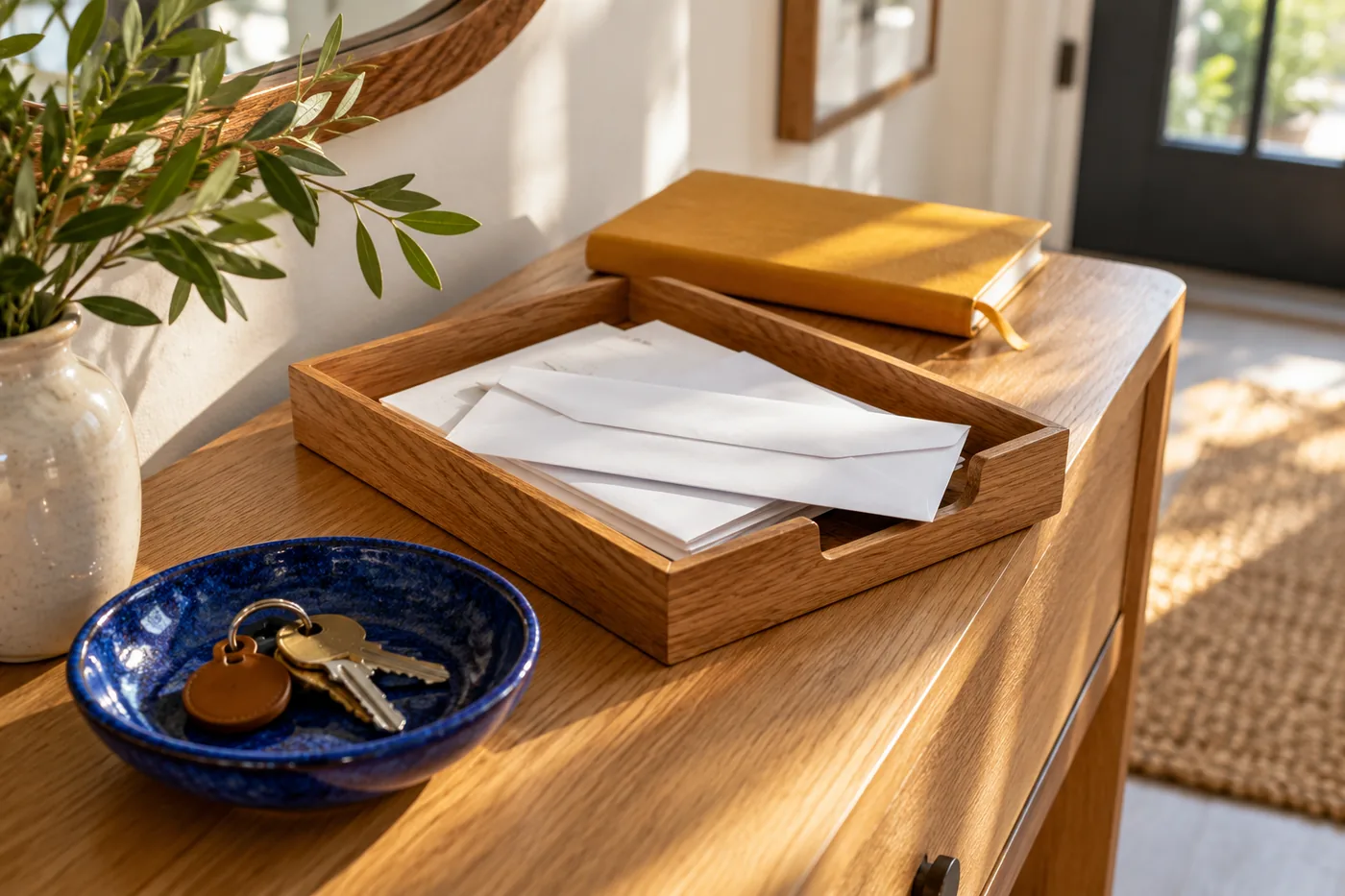
Household papers become clutter when arriving and deciding happen in the same undefined place. A letter lands on the table because there is no time to read it, a receipt joins it because it might be needed, and a form disappears underneath both. The pile contains different jobs, but its shape offers no clue about which one matters next. A useful paper drop zone gives arrivals a temporary home and connects that home to a short, repeatable decision process.
The aim is not to create a miniature office or file every piece of paper. It is to distinguish what needs action, what deserves reference storage, and what can leave your working space. The system should fit the volume your household receives and the time you realistically have. A small tray and a few clearly named folders can do more than an elaborate filing cabinet that nobody uses.
Find the natural arrival point
Observe where papers already land: near the entrance, beside a bag, on the kitchen counter, or at a desk. Choose a drop zone close enough to that route that using it requires little extra effort. If you place the tray in a theoretically tidy location far from the actual arrival path, papers may continue collecting at the old spot.
The location should also suit the information the papers contain. Consider visibility to visitors and the household's own privacy needs when choosing an open tray or a more enclosed location. Keep the system accessible to the people who use it without displaying material unnecessarily. This is a practical placement decision, not a reason to make the drop zone so hidden that arrivals never reach it.
Define what belongs there. Incoming household letters, forms, receipts awaiting a decision, and printed notices may fit. Pens, charging cables, shopping bags, and unrelated small belongings usually need their own homes. A paper tray that doubles as general overflow becomes hard to review because each sorting session begins with clearing objects that have nothing to do with paper.
Give incoming papers one temporary landing place
Use one inbox for papers that have not yet been reviewed. The label should mean exactly that: “not decided yet.” Avoid naming it “important,” because importance cannot be assessed until someone looks at the contents. A single intake point reduces the need to search several surfaces before a review and helps household members know where to place new arrivals.
Choose a container whose capacity makes sense for the review interval. A very deep basket can hide a growing backlog, while a tray that barely holds one day's ordinary arrivals may spill immediately. You want enough room for a normal interval with a visible signal when the system needs attention. Capacity should support the habit without concealing its absence.
Do not sort every paper into a detailed subject file at the door. The arrival step should be quick: place the paper in the inbox, keeping related pages together. If an item clearly requires prompt attention, route it directly into the action process rather than leaving it to be discovered later. The inbox is a holding point, not a promise that every item can wait equally long.
Separate action from reference
An action paper requires someone to do something: complete a form, make a decision, contact an organization, compare an item with another record, or enter information elsewhere. A reference paper is kept so it can be found again, without an immediate task attached. The distinction prevents completed paperwork from obscuring the documents that still require work.
Create a small action area outside the inbox. It might be one folder with a short task list, or a few folders representing clear stages such as “to do” and “waiting.” Keep the stages broad enough that you can choose a destination quickly. A large range of subtle statuses can make sorting feel like a project before any actual task has been completed.
Reference storage can be separate from the drop zone if space is limited. The drop zone needs only the materials that are arriving or actively moving through a process. Once a document's role is reference, give it a known home. This keeps the busiest area focused on current work while preserving the ability to retrieve material later.
Turn each action paper into a specific next step
During a review, read each paper sufficiently to identify what happens next. Replace vague labels such as “deal with this” with a concrete action: “complete the membership form,” “ask for the missing page,” or “compare this receipt with the return confirmation.” A clear next step reduces the amount of rereading required when you return to the task.
Record any relevant date stated in the document in the calendar or task system you actually use. Do not rely on a paper's position near the top of a pile as a reminder. Keep the document connected to the task with a simple description or folder location. The paper provides the supporting information; the task or calendar provides the prompt to act.
Assign an owner where more than one adult manages household administration. “Alex to complete the form” is clearer than a folder marked “household.” Ownership does not need to mean one person handles every category permanently. It means each current action has someone responsible for the next step, so a shared tray does not become a place where everyone assumes someone else will act.
Give waiting items a visible reason for waiting
Some paperwork cannot move forward until a reply, missing document, or household decision arrives. Store these items in a “waiting” section and add a short note about what is expected. Include a sensible follow-up reminder in your normal task system if needed. The note should explain the pause without requiring you to reconstruct the whole exchange from memory.
Avoid using waiting as a softer name for tasks you do not want to begin. If the next step is yours, keep the paper in active work. If someone else has the next step, record who or what you are waiting for. This distinction makes a review more useful because you can tell which items need action now and which need monitoring.
For an illustrative example, a household may have a club form awaiting a schedule from another family member and a purchase inquiry awaiting a reply from a retailer. Both belong in waiting, but for different reasons. Brief notes make those reasons visible. When the missing information arrives, the paper returns to the action stage or moves to reference if the matter is complete.
Build reference categories around retrieval
Choose folder names according to the questions you are likely to ask later. “Home equipment,” “vehicle,” “membership,” and “household services” may be useful broad categories, depending on your circumstances. The best label is the one that helps the household predict where a document lives. A clever filing scheme is not helpful if nobody remembers its logic.
Start broad and subdivide only when retrieval becomes difficult. One thin folder does not need five subfolders simply because five subtopics are possible. Conversely, a thick collection of mixed equipment papers may benefit from separate groups by item. Let the volume and search experience tell you when more structure is worthwhile.
This organizational system does not set retention periods or determine which originals you need to keep. Those decisions depend on the document and your circumstances. When requirements matter, check the relevant issuing organization or appropriate authoritative guidance. Keep uncertain documents in a clearly named review section until you can establish their role, rather than treating uncertainty as permission to discard them.
Make receipts and small papers easier to handle
Small papers are easy to lose inside larger folders. Group receipts awaiting a decision in an envelope, small folder, or clip that stays with the related action. Add a brief description if the printed wording does not make the connection clear. The goal is to preserve the relationship between the receipt and the reason you are keeping it.
Separate current receipt tasks from receipts retained for reference. A receipt connected to a return in progress belongs with that action, while one associated with equipment records may belong with the equipment information. Keeping every receipt together merely because it is the same size can make retrieval harder. Purpose is often a more useful category than physical format.
Review casual notes as part of the same process. Transfer a genuinely useful phone number, appointment detail, or shopping reminder to the system where you expect to use it. Then decide whether the paper itself still has a role. Repeatedly keeping both the note and the transferred information without a reason can create unnecessary duplicate material.
Use scanning only when it improves retrieval
A digital copy can be helpful when you want information available away from the paper file or searchable alongside other records. Scanning also creates a second storage system that needs names, folders, and a retrieval habit. Before scanning an entire backlog, decide what problem the digital copy will solve and where you will look for it later.
Use a consistent, readable filename that identifies the subject and document type. If a date is useful, include it in a consistent format. Keep the naming system modest enough that you will actually use it. A file called “scanner output 47” is hard to retrieve, but a lengthy naming convention with many required fields can slow every small task.
Do not assume that making a scan means the original can automatically be discarded. Decide that separately based on the document's role and any applicable requirements you have checked. For the drop-zone workflow, the immediate question is whether the paper is active, reference, or awaiting a decision. Digitization is one possible tool within that process, not the process itself.
Establish a review that fits your real schedule
Attach the review to a recurring moment when you can make decisions, such as a household planning session or a quiet desk period. The frequency should reflect how much paper arrives and the kinds of actions it contains. Keep the first stage straightforward: empty the inbox by deciding the next destination for each item, then work on the actions according to their actual priorities.
Have basic supplies ready so minor friction does not interrupt the review. A pen, a few folders, and access to the calendar or task list may be enough. You do not need an extensive desk setup. If the review regularly stops because a needed tool is elsewhere, bring that tool closer or choose a better location for processing.
End by restoring the drop zone to a usable state. Action papers should have next steps, waiting papers should have reasons, and reference papers should have destinations. Material that can leave should not remain in a second pile beside the tray. Handle disposal according to the information involved and your household's established arrangements, rather than treating all paper as interchangeable.
Recover a backlog without creating a second system
If the inbox has become a large pile, separate new arrivals from the backlog temporarily so current actions remain visible. Give the backlog a defined container and work through a manageable portion at a time. Use the same action and reference categories you intend to keep. Creating a special elaborate filing scheme for old papers only adds another system to learn.
Look first for items with unresolved actions or stated dates, then continue through the rest. Do not spend the entire first session alphabetizing old reference material while current tasks remain buried. The order of work should restore usefulness. Once the active responsibilities are visible, organizing the remaining reference collection becomes easier to pace.
Set a clear endpoint for the temporary backlog container. Its contents should gradually move into the normal destinations rather than remain a permanent archive labeled “sort later.” If you repeatedly stop at the same kind of document, identify the missing decision or information. Solving that specific uncertainty is more productive than repeatedly shifting the paper from one side of the container to the other.
Keep instructions for the system brief
Write a small routing note if several people handle papers: new arrivals go in the inbox, actions receive an owner and next step, and completed reference material goes to the named files. Place it with the folders rather than making it another loose paper in the intake tray. Three clear directions are more useful than a detailed manual nobody consults.
The note is especially helpful after an absence or a busy period when someone else takes over the review. Make folder names match the words in the note. If the actual workflow changes, update the instructions immediately so the household is not choosing between two contradictory descriptions of where papers belong.
Questions about a household paper drop zone
Can a paper system work without a desk?
Yes. Use a compact inbox and portable action folder, then process them at a table when needed. Store the folders in a known location afterward. The important connection is between arriving papers, recorded actions, and retrievable reference material. A dedicated room or large filing cabinet is not required for that connection to work.
Should each adult have a separate inbox?
Separate inboxes can help when responsibilities are largely independent, but a shared household intake point may be simpler when one person often collects the post. You can sort personal items to individual folders during review. Choose the arrangement that reduces missed handoffs, and agree on who reviews the shared portion.
What if a paper fits several reference categories?
Choose the category under which you would first search for it. If necessary, add a brief cross-reference note in the other location rather than creating unexplained duplicate copies. Consistent retrieval logic matters more than a theoretically perfect classification. If this ambiguity happens often, rename or combine the categories causing confusion.
How do I stop the tray becoming another pile?
Give it one role, a realistic capacity, and a review appointment connected to your normal routine. When it fills, investigate whether reviews are being missed, actions lack clear next steps, or reference papers are never leaving. Buying a deeper tray only helps if capacity is the actual problem. Otherwise it simply makes the unfinished process harder to see.
About this guide
Published by Toolivo Editorial. Our guides focus on practical household organization and adaptable room layouts.
Have a correction or a question? Contact Toolivo or read our editorial policy.